


How to Download Pinterest Media: The Ultimate Guide for 2025
Pinterest has become one of the most popular visual discovery platforms, housing millions of inspiring images, videos, and creative content. Whether you're a designer seeking inspiration, a marketer building mood boards, or simply someone who wants to save beautiful content for offline viewing, knowing how to download Pinterest media is essential. This comprehensive guide will walk you through everything you need to know about downloading Pinterest images and videos safely and efficiently.
Understanding Pinterest Media Downloads
Pinterest is a visual bookmarking platform where users can discover, save, and share images and videos across various categories including home decor, fashion, recipes, DIY projects, and much more. While Pinterest allows you to save pins to your boards within the platform, downloading media to your device requires different approaches.
Before we dive into the methods, it's important to understand that downloaded content should be used responsibly and in accordance with copyright laws. Always respect creators' rights and use downloaded media for personal inspiration or with proper permissions for commercial use.
Why Download Pinterest Media?
There are several legitimate reasons why someone might want to download Pinterest content:
Offline Access: Save inspiring content to view without an internet connection during travel or in areas with limited connectivity.
Professional Projects: Designers and creatives often need to compile inspiration boards and references for client presentations.
Educational Purposes: Students and educators may want to save educational infographics and tutorial images for classroom use.
Backup Collections: Preserve favorite content in case pins get deleted or become unavailable on the platform.
Content Creation: Use downloaded media as references for creating original artwork, designs, or projects (with proper attribution when necessary).
Method 1: Using Pinterest's Built-in Download Feature
Pinterest has made it easier for users to download certain types of content directly from the platform. However, this feature is primarily available for images and may not work for all pins.
Step-by-Step Process:
- Open the Pinterest app or website and locate the pin you want to download
- Click on the pin to open it in full view
- Look for the three-dot menu icon (usually in the top-right corner)
- Select "Download image" if the option is available
- The image will be saved to your device's default download location
Limitations: Not all pins have the download option enabled. Content creators can disable downloads on their pins, and video content typically cannot be downloaded through this method.
Method 2: Taking Screenshots
The simplest method for capturing Pinterest media is taking screenshots. While this works universally across all devices, it has some drawbacks.
For Desktop/Laptop:
- Windows: Press Windows key + Shift + S to use the Snipping Tool
- Mac: Press Command + Shift + 4 to capture a selected area
For Mobile Devices:
- iPhone: Press Side button + Volume Up simultaneously
- Android: Press Power button + Volume Down simultaneously
Pros: Works for any visible content, no additional tools needed
Cons: Lower quality output, requires cropping, includes unwanted interface elements
Method 3: Using Online Pinterest Downloaders
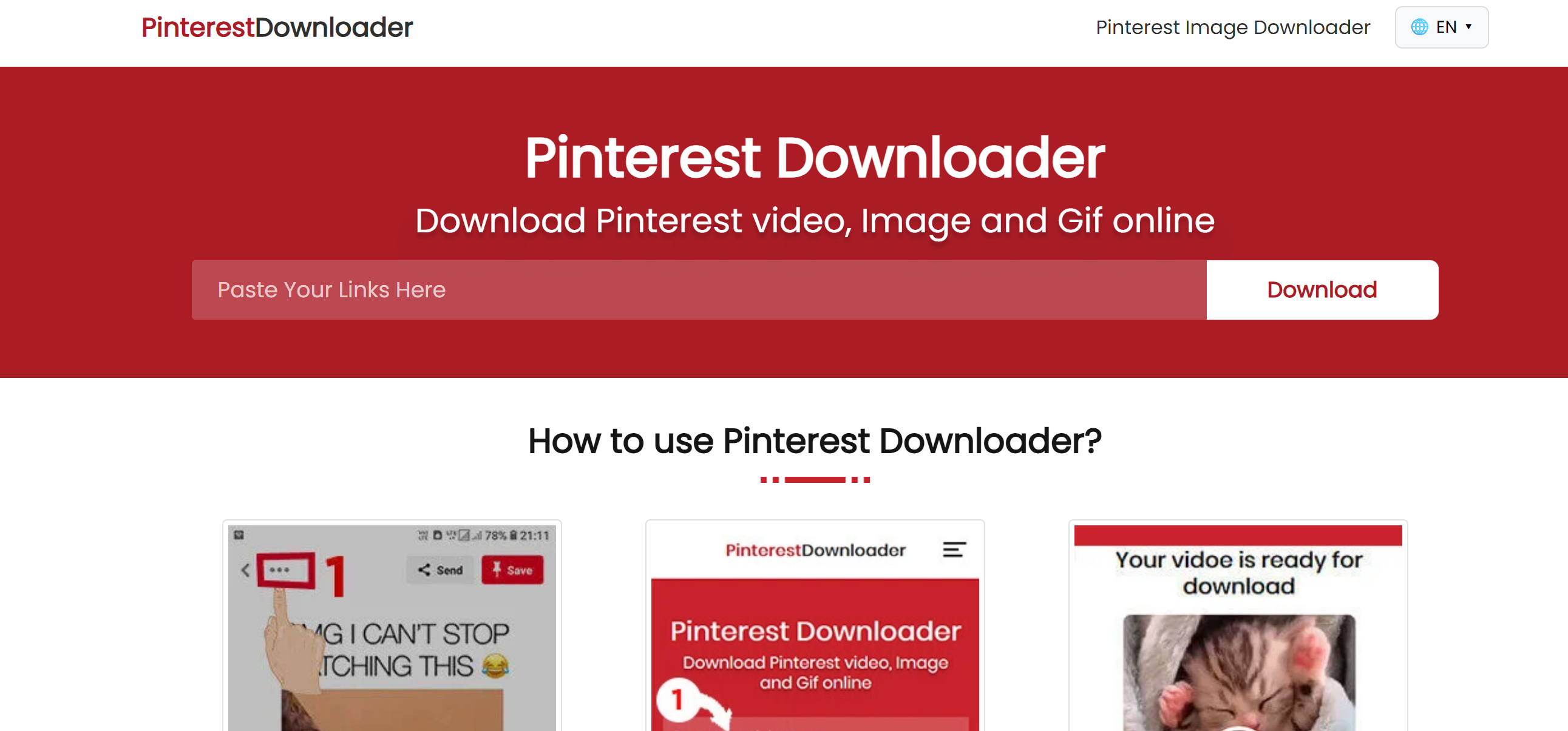
Online Pinterest downloaders are web-based tools that allow you to download both images and videos from Pinterest by simply pasting the pin URL. These tools have become increasingly popular due to their convenience and effectiveness.
How to Use Online Downloaders:
- Find the Pinterest pin you want to download
- Copy the pin's URL from your browser's address bar
- Navigate to a reliable Pinterest downloader website
- Paste the URL into the download field
- Click the download button
- Select your preferred quality and format
- Save the file to your device
One of the most reliable tools for this purpose is PinVids.com, which offers a straightforward interface for downloading Pinterest videos and images in high quality. This method is particularly useful for video content that cannot be easily saved through other means.
Method 4: Browser Extensions
Several browser extensions are designed specifically for downloading Pinterest media. These add-ons integrate directly into your browsing experience.
Popular Extensions:
- Pinterest Video Downloader
- Image Downloader
- Download All Images
Installation Process:
- Visit your browser's extension store (Chrome Web Store, Firefox Add-ons)
- Search for Pinterest downloader extensions
- Click "Add to Browser" or "Install"
- Grant necessary permissions
- Use the extension icon when viewing Pinterest pins
Advantages: Quick access, no need to copy URLs, often supports bulk downloads
Considerations: Review permissions carefully, use extensions from trusted developers only
Method 5: Inspect Element Method (Advanced)
Tech-savvy users can use browser developer tools to access media source URLs directly.
Steps:
- Right-click on the Pinterest image or video
- Select "Inspect" or "Inspect Element"
- Look for the image source URL or video file in the code
- Copy the direct media URL
- Paste it into a new browser tab
- Right-click and save the media file
This method requires some technical knowledge but provides direct access to original quality files.
Downloading Pinterest Videos
Videos present unique challenges compared to images. Pinterest's autoplay videos are often embedded in ways that prevent simple right-click saving.
Best Practices for Video Downloads:
Online downloaders remain the most effective solution for Pinterest videos. Tools specifically designed for video extraction, such as dedicated Pinterest video downloaders, can handle various video formats and qualities.
When downloading videos:
- Ensure you have sufficient storage space
- Check the video quality options before downloading
- Be patient with larger files
- Verify the downloaded file plays correctly
Legal and Ethical Considerations
While downloading Pinterest media is technically possible, it's crucial to understand the legal and ethical implications:
Copyright Protection: Most Pinterest content is protected by copyright. The creator owns the rights to their work.
Fair Use: Downloading for personal inspiration generally falls under fair use, but commercial use requires permission.
Attribution: If you use downloaded content in any public way, always credit the original creator.
Pinterest's Terms of Service: Review Pinterest's terms to ensure your downloading activities comply with their policies.
Best Practices:
- Download only for personal use unless you have explicit permission
- Never claim downloaded content as your own
- Support creators by linking back to original pins when sharing inspiration
- Consider reaching out to creators for permission if you want to use their content publicly
Quality Considerations
When downloading Pinterest media, quality matters. Here are factors to consider:
Image Resolution: Look for high-resolution versions when available. Some pins link to original sources with better quality.
Video Quality: Choose the highest quality option offered by your download tool. HD videos provide better viewing experiences.
File Formats: Common formats include JPG and PNG for images, MP4 for videos. Ensure compatibility with your intended use.
Compression: Some download methods may compress files, reducing quality. Direct downloads typically preserve original quality better.
Organizing Your Downloaded Media
After downloading Pinterest media, proper organization helps you find and use content efficiently:
Create Folder Systems: Organize by category, project, or theme
Use Descriptive Names: Rename files with meaningful titles instead of generic numbers
Add Metadata: Include source information and creator credits in file properties
Back Up Regularly: Store important downloads in cloud storage or external drives
Curate Regularly: Remove duplicates and content you no longer need
Troubleshooting Common Issues
Problem: Download button not appearing Solution: Try a different method like online downloaders or browser extensions
Problem: Video won't play after downloading Solution: Ensure you have appropriate codec support or try a different video player
Problem: Low-quality downloads Solution: Look for the original source link on the pin and download from there
Problem: Download fails or times out Solution: Check your internet connection, try during off-peak hours, or use an alternative tool
Mobile vs Desktop Downloading
Each platform has advantages:
Desktop Advantages:
- More tool options available
- Easier file management
- Better for bulk downloads
- Browser extensions work seamlessly
Mobile Advantages:
- Download directly to your photo library
- Convenient for on-the-go saving
- Screenshot options readily available
- Share downloaded content immediately
Choose the platform that best fits your workflow and download frequency.
Conclusion
Downloading Pinterest media opens up possibilities for offline inspiration, professional projects, and creative endeavors. Whether you choose Pinterest's built-in features, online downloaders, browser extensions, or advanced technical methods, the key is finding an approach that works for your needs while respecting copyright and creators' rights.
Remember to always use downloaded content responsibly, attribute creators when appropriate, and support the Pinterest community by engaging with and sharing content through proper channels. With the methods outlined in this guide, you'll be well-equipped to build your personal collection of inspiring visual content from Pinterest.

 English
 Arabic
 French
 Spanish
 Portuguese
 Deutsch
 Turkish
 Dutch
Dutch
 Italiano
 Russian
 Romaian
 Portuguese (Brazil)