


In today’s rapidly evolving digital landscape, businesses require IT solutions that are flexible, secure, and scalable. Virtual desktop infrastructure has emerged as a transformative technology that addresses these needs. Understanding what is a virtual desktop infrastructure and how it works helps organizations make informed decisions about implementing this solution for their workforce. This guide provides a comprehensive explanation of what is a virtual desktop infrastructure, its benefits, functionality, deployment models, and best practices for successful adoption.
What is a Virtual Desktop Infrastructure
Definition and Purpose
A virtual desktop infrastructure is a technology in which desktop environments are hosted on centralized servers rather than on individual employee devices. Users access these virtual desktops remotely through devices such as laptops, tablets, or thin clients. This approach allows IT teams to manage desktops centrally, ensuring uniformity, enhanced security, and simplified maintenance.
Key Components
A virtual desktop infrastructure system includes several critical components. These consist of virtualization software, servers, storage systems, networking infrastructure, and client devices. Each component works together to deliver a consistent and reliable desktop experience to users while centralizing control for IT teams.
How Virtual Desktop Infrastructure Works
Centralized Hosting of Desktops
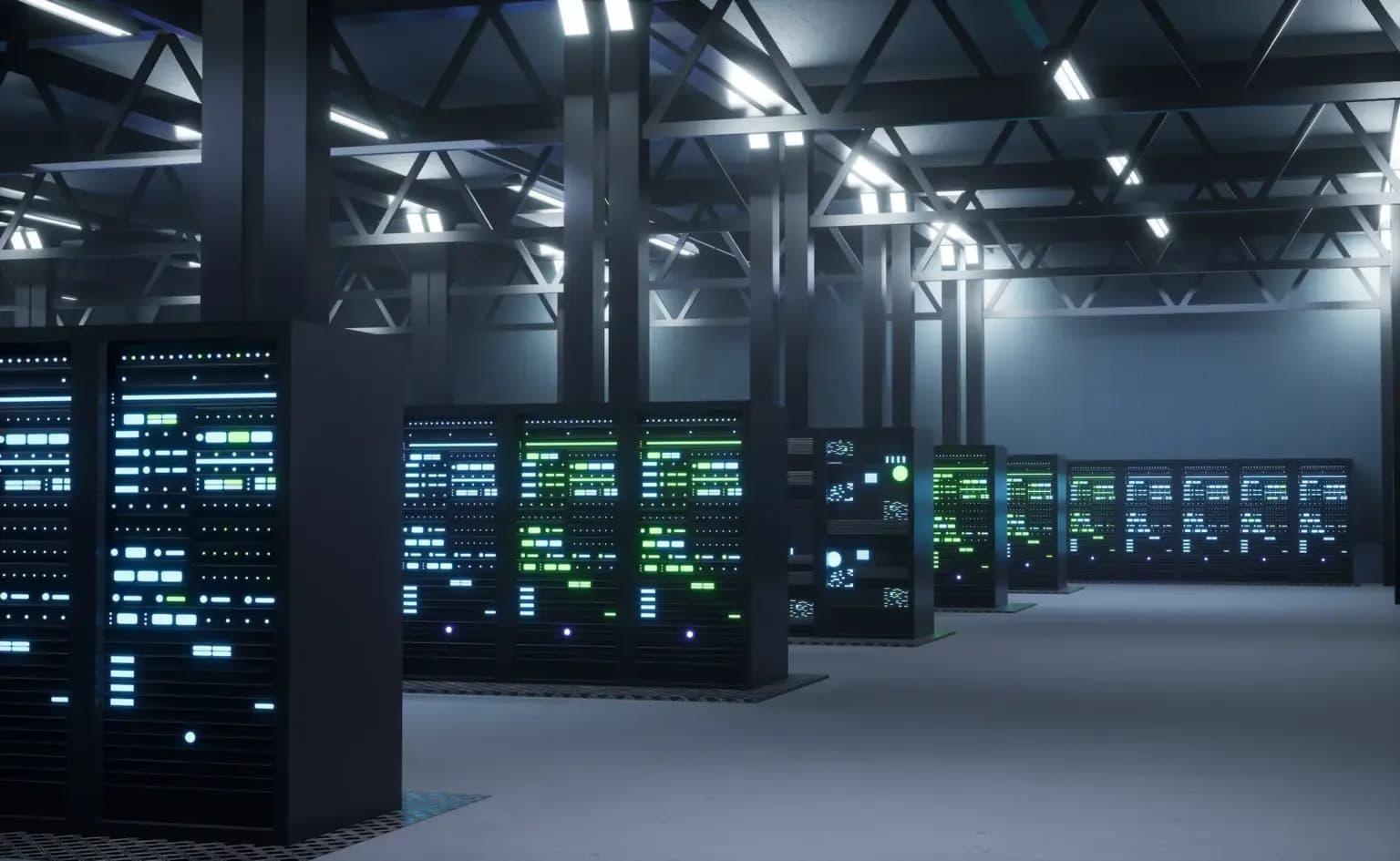
Virtual desktops are created and managed on centralized servers in data centers. Each desktop is essentially a virtual machine running on the server. Users connect to their desktops through remote protocols, which transmit display and input information between the server and the client device.
Remote Access
Employees can access their virtual desktops from anywhere with an internet connection. This capability supports remote and hybrid work models, ensuring productivity even when employees are offsite. The virtual desktop infrastructure manages user sessions, ensuring that each employee experiences a consistent and secure desktop environment.
Resource Allocation
Each virtual desktop consumes server resources such as CPU, memory, and storage. Virtual desktop infrastructure solutions allocate these resources efficiently, allowing multiple users to share server capacity without compromising performance. Resource management tools monitor usage and dynamically adjust allocations to maintain smooth operation.
Benefits of Virtual Desktop Infrastructure
Enhanced Security
Virtual desktops improve security by centralizing sensitive data in a secure server environment. Instead of storing files on local devices, data remains protected on centralized servers, reducing the risk of theft, loss, or unauthorized access. IT teams can implement access controls, authentication protocols, and encryption measures for additional protection.
Simplified IT Management
Centralized management simplifies maintenance, software updates, and patch deployment. IT teams can manage all virtual desktops from a single console, reducing administrative workload and ensuring consistency across the organization.
Cost Efficiency
Organizations can reduce costs by using thin clients or repurposing older devices to access virtual desktops. Centralized resource management also decreases the need for frequent hardware upgrades, optimizing IT expenditure.
Scalability and Flexibility
Virtual desktop infrastructure solutions scale easily to accommodate organizational growth. Adding new users, applications, or resources is simpler compared to traditional desktop setups. The solution also supports flexible work arrangements by enabling secure access from multiple locations.
Deployment Models
On-Premises Deployment
On-premises virtual desktop infrastructure is hosted within an organization’s own data center. IT teams maintain full control over hardware, security, and performance. This model is suitable for organizations with strict compliance or data sovereignty requirements.
Cloud-Based Deployment
Cloud-based virtual desktop infrastructure is hosted by a service provider in remote data centers. This model reduces upfront hardware costs and provides flexibility for remote access. Cloud deployments also simplify scaling and reduce the burden on internal IT teams.
Hybrid Deployment
Hybrid virtual desktop infrastructure combines on-premises and cloud solutions. Organizations can host sensitive workloads locally while using the cloud for scalability or temporary workloads. This approach offers a balance between control, cost, and flexibility.
Use Cases of Virtual Desktop Infrastructure
Remote and Hybrid Workforces
Virtual desktop infrastructure enables employees to access their desktops securely from anywhere, supporting remote and hybrid work models. This flexibility improves productivity and ensures business continuity during disruptions.
Standardized Work Environments
Organizations can provide uniform desktop experiences across all employees. Standardization ensures that applications, settings, and security policies are consistent, reducing compatibility issues and support requests.
Enhanced Security for Sensitive Data
Industries that handle sensitive information, such as finance, healthcare, and government, benefit from centralized control and secure data storage provided by virtual desktops. Access restrictions and monitoring tools enhance data protection.
Temporary and Seasonal Workforce Support
Virtual desktops are ideal for temporary or seasonal employees. IT teams can quickly provision desktops for new users and decommission them when no longer needed, optimizing resource usage and reducing costs.
Best Practices for Implementing Virtual Desktop Infrastructure
Assess Business Requirements
Organizations should evaluate the number of users, application needs, security requirements, and expected growth before deployment. Proper planning ensures the virtual desktop infrastructure solution meets organizational goals efficiently.
Choose the Right Virtualization Platform
Selecting a virtualization platform that aligns with organizational requirements is crucial. Consider factors such as scalability, ease of management, cost, and vendor support.
Standardize Desktop Configurations
Standardized templates for operating systems, applications, and security settings simplify deployment and maintenance. Consistency reduces errors and enhances the user experience.
Plan for Network and Resource Optimization
Ensure sufficient network bandwidth and server resources to support multiple simultaneous users. Resource monitoring tools help maintain performance and prevent slowdowns.
Provide User Training and Support
Employees need guidance on accessing and using virtual desktops. Clear training, documentation, and dedicated support channels improve adoption rates and minimize technical issues.
Regular Maintenance and Monitoring
Continuous monitoring, software updates, and security reviews are essential to maintain performance and protect data. Proactive maintenance reduces downtime and enhances reliability.
Conclusion
Understanding what is a virtual desktop infrastructure and how it works is essential for organizations looking to modernize their IT environment. Virtual desktop infrastructure solutions offer centralized management, enhanced security, cost efficiency, and support for flexible work arrangements. By carefully planning deployment, choosing the right platform, and following best practices, organizations can implement a virtual desktop infrastructure solution that meets their operational needs and improves workforce productivity. For businesses seeking professional guidance in deploying and managing virtual desktop infrastructure solutions, Inuvika OVD Enterprise provides expert assistance and tailored solutions.

 Arabic
 French
 Spanish
 Portuguese
 Deutsch
 Turkish
 Dutch
Dutch
 Italiano
 Russian
 Romaian
 Portuguese (Brazil)
 Greek
Greek