


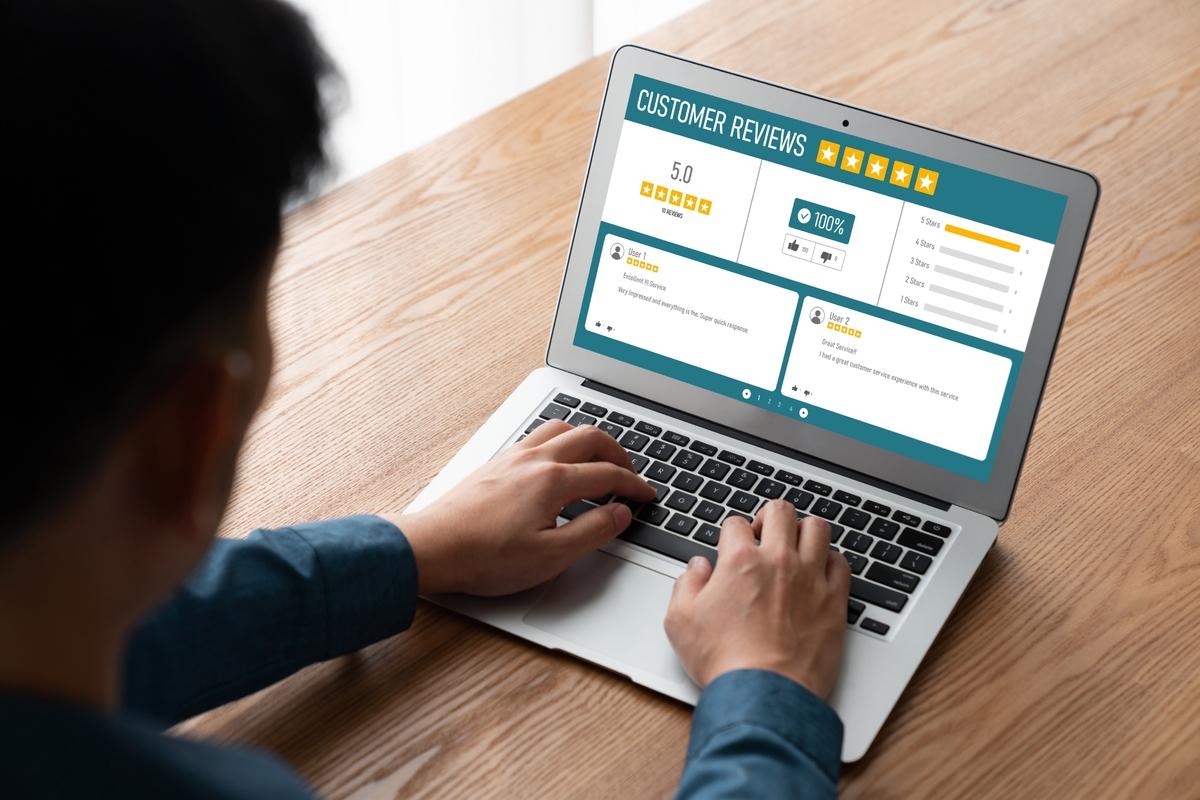
A Website Feedback Tool helps you to become aware of how visitors interact with your site, which is crucial for improving their experience. This software allows you to collect direct input from your users about their experience, making your entire website better. Using this valuable input helps you discover confusing parts, identify areas for improvement, and ultimately meet the needs of your online visitors.
What are Website Feedback Tools?
A Website Feedback Tool is a program or a small widget that you place directly onto the pages of your website. It allows every user to share their thoughts, suggestions, and report problems as they browse your content.
These handy tools come in many different forms, such as small persistent buttons, short pop-up surveys, or features for visual notes. They essentially act as a direct and instant line of communication between your visitors and your website development team.
The Purpose of These Tools
The main purpose of these tools is to capture opinions while the user is actively engaging with your website. This immediate collection of data is usually much more valuable than large surveys sent out to users later on.
The feedback gathered can cover a wide range of issues, from a simple broken link to a majorly confusing checkout process. Most of the data collected is organized in a clear dashboard for you to review and analyze.
Different Types of Feedback Tools
Some tools focus mainly on capturing visual feedback, such as annotated screenshots with clear notes attached. Other tools specialize in collecting quick ratings and simple text-based responses from a very large audience. Your goal should always be to make it as easy as possible for a user to share their thoughts instantly.
Why Should You Use a Website Feedback Tool?
Using a website feedback tool is necessary because it provides valuable, real-world data that other analytics software cannot give you. Web analytics programs can successfully tell you what users are doing, like where they click and how long they stay on a page.
However, a feedback tool tells you the crucial information of why they are doing it, capturing their actual feelings and deep frustrations.
Identifying Usability Issues
When you build a website, you know exactly how the site is supposed to function step-by-step. However, a fresh pair of eyes can quickly spot areas that are confusing or difficult to navigate for a first-time visitor. Feedback tools quickly show you these blind spots without any delay.
Building Trust and Improving Conversions
When you show users you value their opinions, you build loyalty and trust with your audience. This positive interaction leads to better word-of-mouth marketing and more repeat visits. A properly used feedback tool will strongly help you with important goal conversion rates.
If users are struggling to complete a purchase or sign up for a newsletter, the feedback will point you to the exact roadblock. For example, a common issue might be a difficult form field or a button that is hard to see. You can quickly optimize your conversion funnel by collecting feedback at these critical points,
How to Get the Best Results from Your Tool
The very first step is to strategically place the feedback widget on pages where user issues are most likely to occur. This should certainly include key pages like your checkout process, complex forms, and any difficult interactive features.
Simply putting a button on every single page can often lead to too much generic, unhelpful input. Target the specific locations that directly align with your key business goals.
Asking the Right Questions
You must be very precise and clear with the questions you choose to ask your website visitors. Instead of a vague or unhelpful question like, "Do you like our website in general?", ask for input related to a specific user task.
For example, you could ask, "Were you able to find the product specifications you were looking for easily in this section?" Clear, specific questions will always result in clear, much more actionable responses that you can use immediately.
Keep the input process very simple for the user because long, complicated forms will certainly be ignored by most people.
Creating an Action Plan
The most important step is to set up a clear system for reviewing and acting on the feedback you receive. A continuous stream of input is only truly useful if someone is assigned to read and categorize it on a regular basis.
Group the responses into common themes like "navigation issues," "bug reports," or "feature requests." Assign these important categories to the relevant team members, whether they are designers, developers, or content writers.
Close the feedback loop by making the necessary changes and, if possible, letting the user know their input was greatly appreciated.
Key Takeaway
Remember that a feedback tool is not just for successfully finding all the problems; it is also for wisely gathering positive input. Being aware of what users genuinely like and find helpful is just as important as finding their specific pain points.
This positive feedback helps you clearly identify your website's greatest strengths and encourages you to build on what is already working well for your visitors. This focus on excellent user experience makes a successful online presence possible.

 Arabic
 French
 Spanish
 Portuguese
 Deutsch
 Turkish
 Dutch
Dutch
 Italiano
 Russian
 Romaian
 Portuguese (Brazil)
 Greek
Greek